Current field guide · 2026
See how a route becomes a screen
Explore a location here, then run real Flutter examples in your own environment.
Use the Route Atlas to change one part of a destination at a time, then read the parameter guide to explain what belongs in the URL. Compare a normal entry with a deep-link entry before deciding whether the destination still carries the state you intended. The atlas is a browser model, not a Flutter build test.
On this page
Start with a small, inspectable app
The complete starter download now includes the Dart entry point, pinned pubspec and lockfile, Web host, tests and a README. It demonstrates /, /books/:bookId and /settings without a backend or authentication service. The verified SDK and package versions are listed below.
Run it in your own Flutter environment
Extract the complete source project, enter its folder and follow its README, starting with flutter pub get --enforce-lockfile. There is no need to generate and overwrite another host project. The website route explorer remains a separate JavaScript teaching model; it does not compile Dart.
More complete upstream examples
The current Flutter package repository includes shell routes, stateful nested navigation, asynchronous redirection, and other focused examples. Use those examples with their matching package revision. The original example source is also available in the full recovered source download.
Keep the distinction visible
Original animated recordings are historical demonstrations. They are preserved below without being presented as current runtime tests. After adopting a pattern, exercise deep links and Back on each platform you actually support.
/ HomeScreen
/books BookListScreen
:bookId BookScreen
/settings SettingsScreen
/sign-in SignInScreen
An illustrative JavaScript URL matcher. No Dart is executed. Your entries stay in this browser.
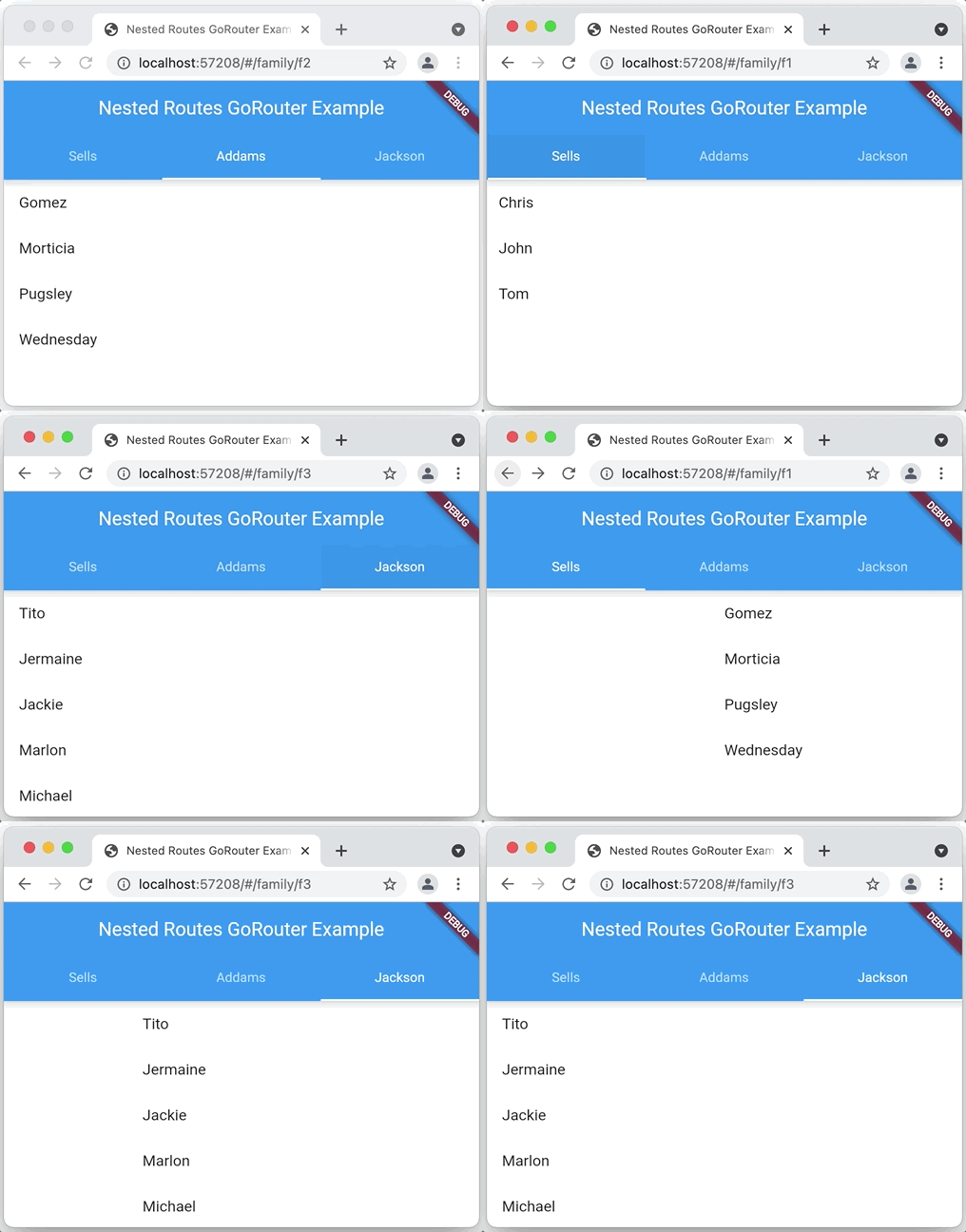 Open original recording: Original nested navigation demonstration
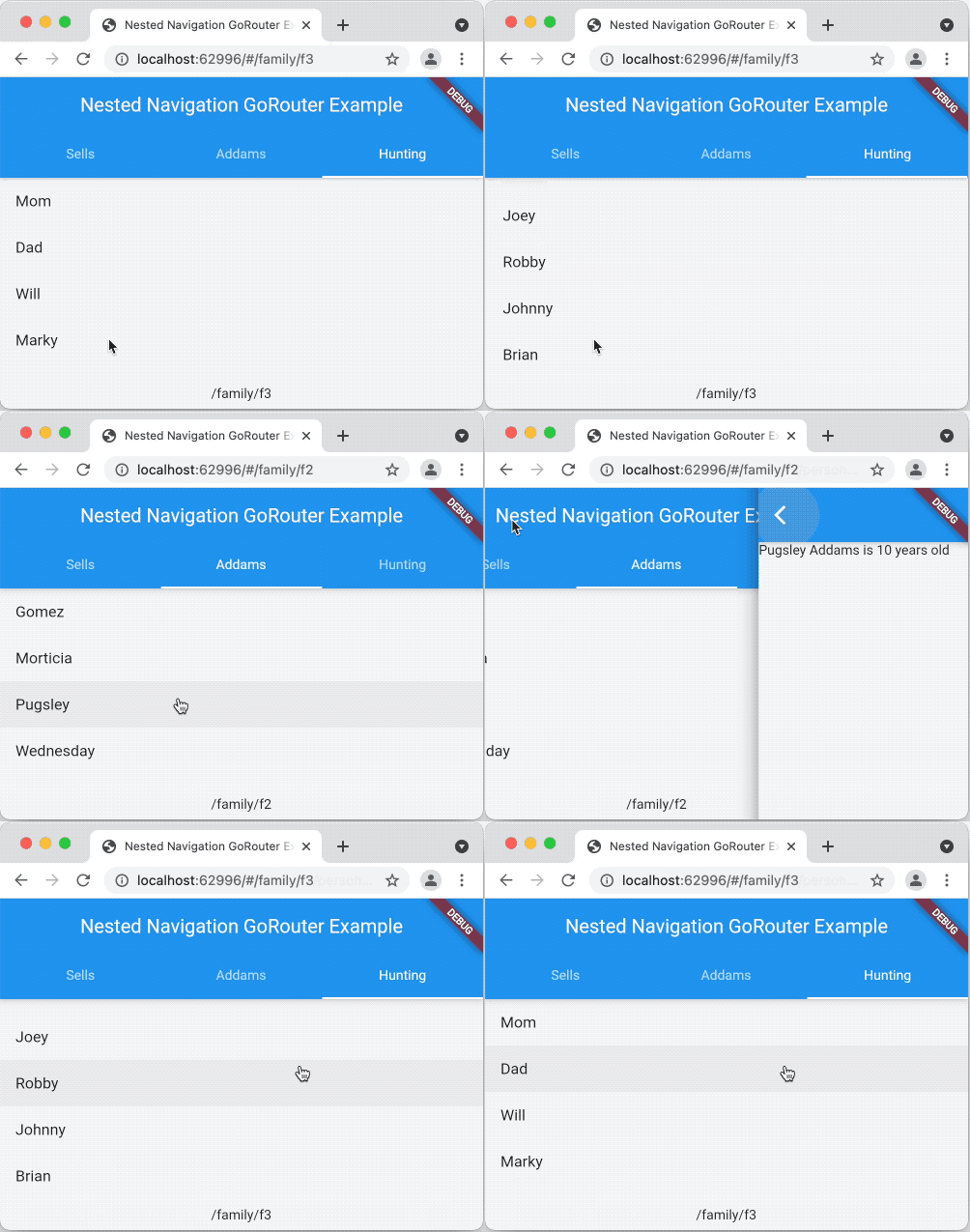 Open original recording: Original state-retention demonstration
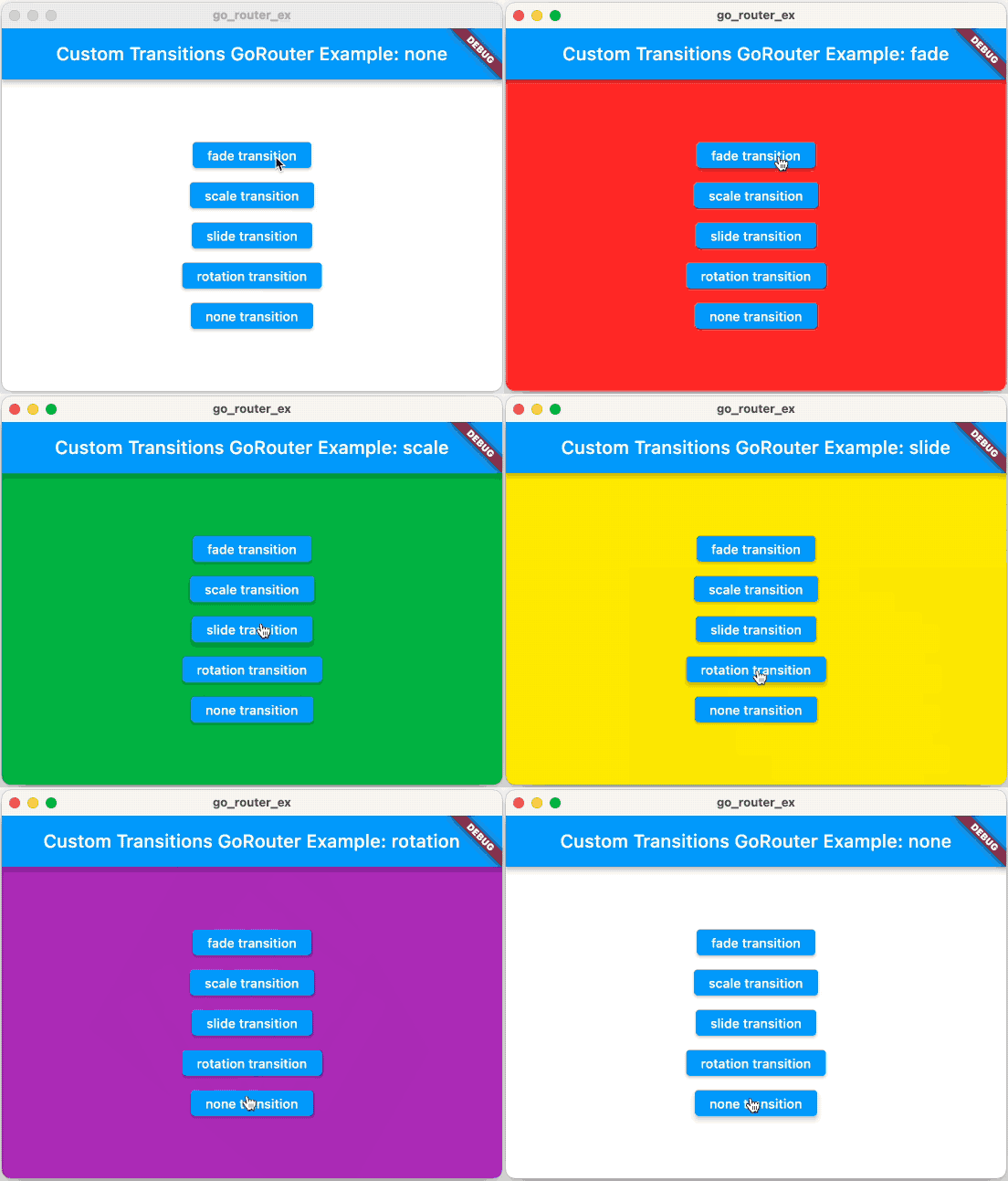 Open original recording: Original transition demonstration
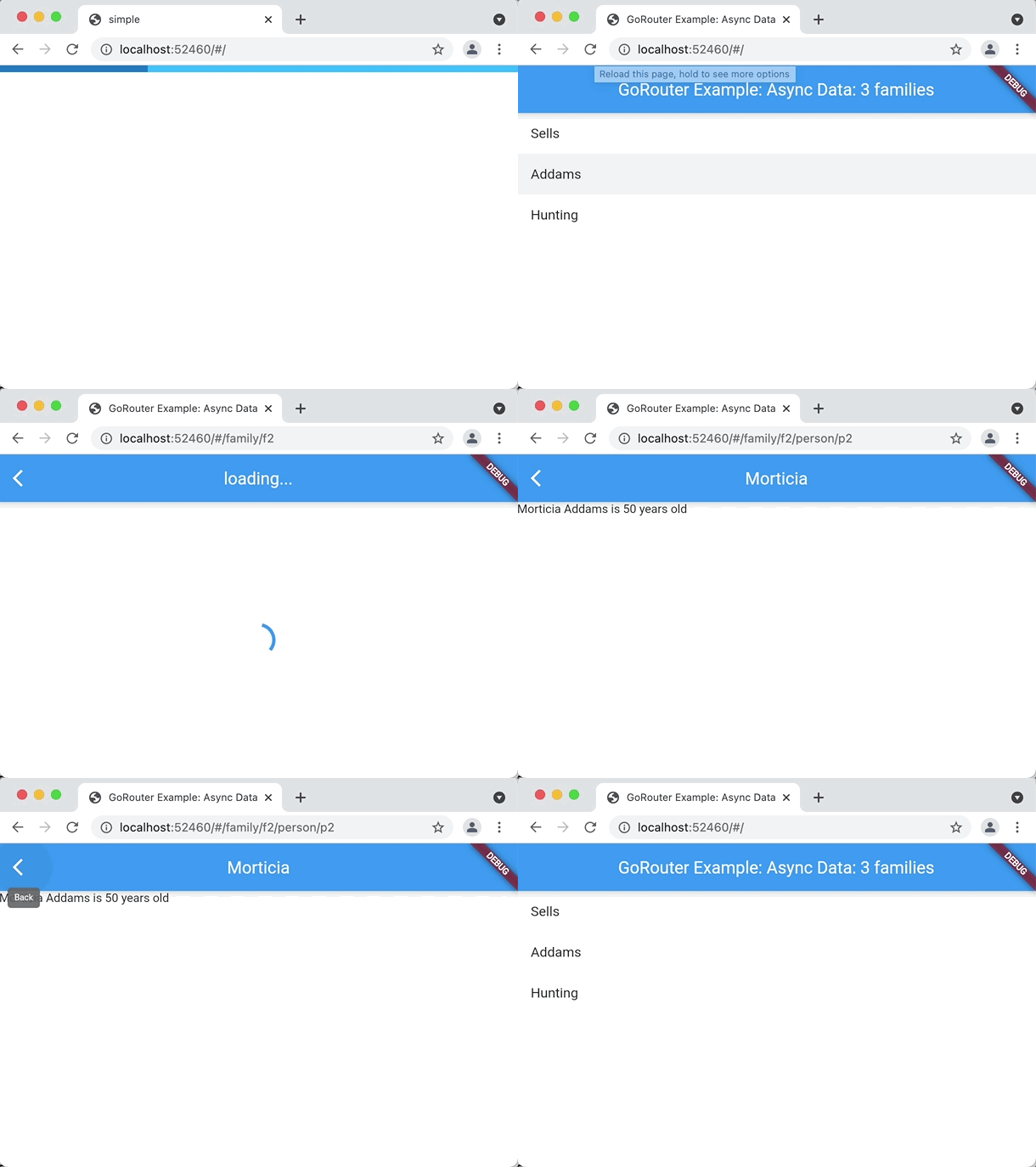 Open original recording: Original asynchronous data demonstration
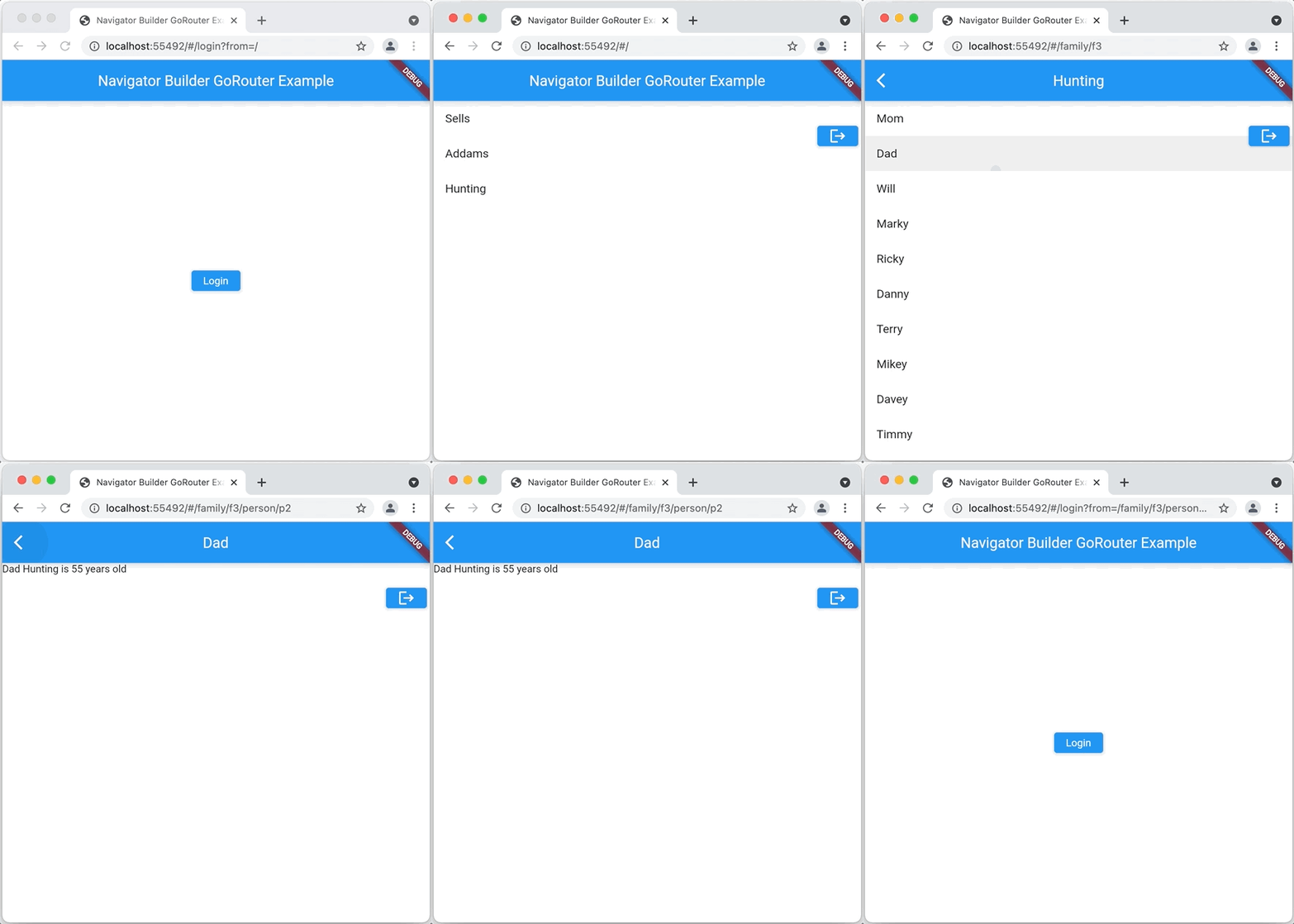 Open original recording: Original navigator builder demonstration
Sources & version context
GoRouter.dev documentation edition. Examples illustrate the APIs described in the linked primary documentation. Adapt application-owned widgets and services to your project. They are not an executed Flutter session in this browser.
A starter with an actual build record
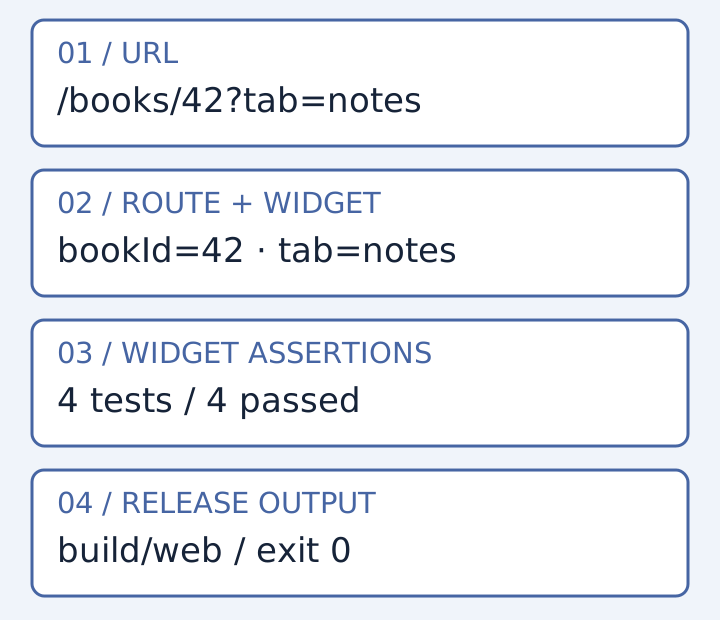
Verified on 24 October 2026: Flutter 3.47.8, Dart 3.13.7 and go_router 18.1.1. The package version is pinned, the resolved dependencies are in pubspec.lock, and the download contains a complete Web host, Dart entry point and tests.
- Extract the source project into a working folder. Use the exact SDK above to reproduce this record; a newer or older SDK is a different verification environment.
- Run
flutter pub get --enforce-lockfile, then the commands below. Keep the lockfile and read any dependency or SDK mismatch rather than silently upgrading. - Read test/routing_test.dart alongside lib/main.dart. The routes are
/,/books/:bookIdwith optional?tab=notes, and/settings. An unknown route has a return-home action.
flutter analyze --no-pub
No issues found! / exit 0

flutter test --no-pub --reporter expanded
+4: All tests passed! / exit 0

flutter build web --release --csp --no-web-resources-cdn --no-wasm-dry-run
✓ Built build/web / exit 0
The tests cover a Home → book → Home journey, a direct book route with a default query value, settings push/pop, and unknown-route recovery. These are widget tests using the real Flutter test engine. They do not establish browser address-bar history, deep-link refresh on a particular server, or Android/iOS compatibility.
Complete tested source project ↓
Compiled Web release archive ↓
Machine-readable verification record
The compiled archive is provided as a build artifact. No live Flutter demo is claimed here: CanvasKit requires a compatible WebAssembly policy, and the documentation site’s existing CSP has not been weakened. The source README explains the local HTTP-host boundary. No separate Chrome process was used for these checks.